Troubleshooting Visual Studio Code
This page details various issues one might have with VSCode and step-by-step instructions to address and fix them.
Web Portal Tunnel Erroring out
If your VSCode tunnel job starts, but the tunnel itself does not, you might see an error like this:
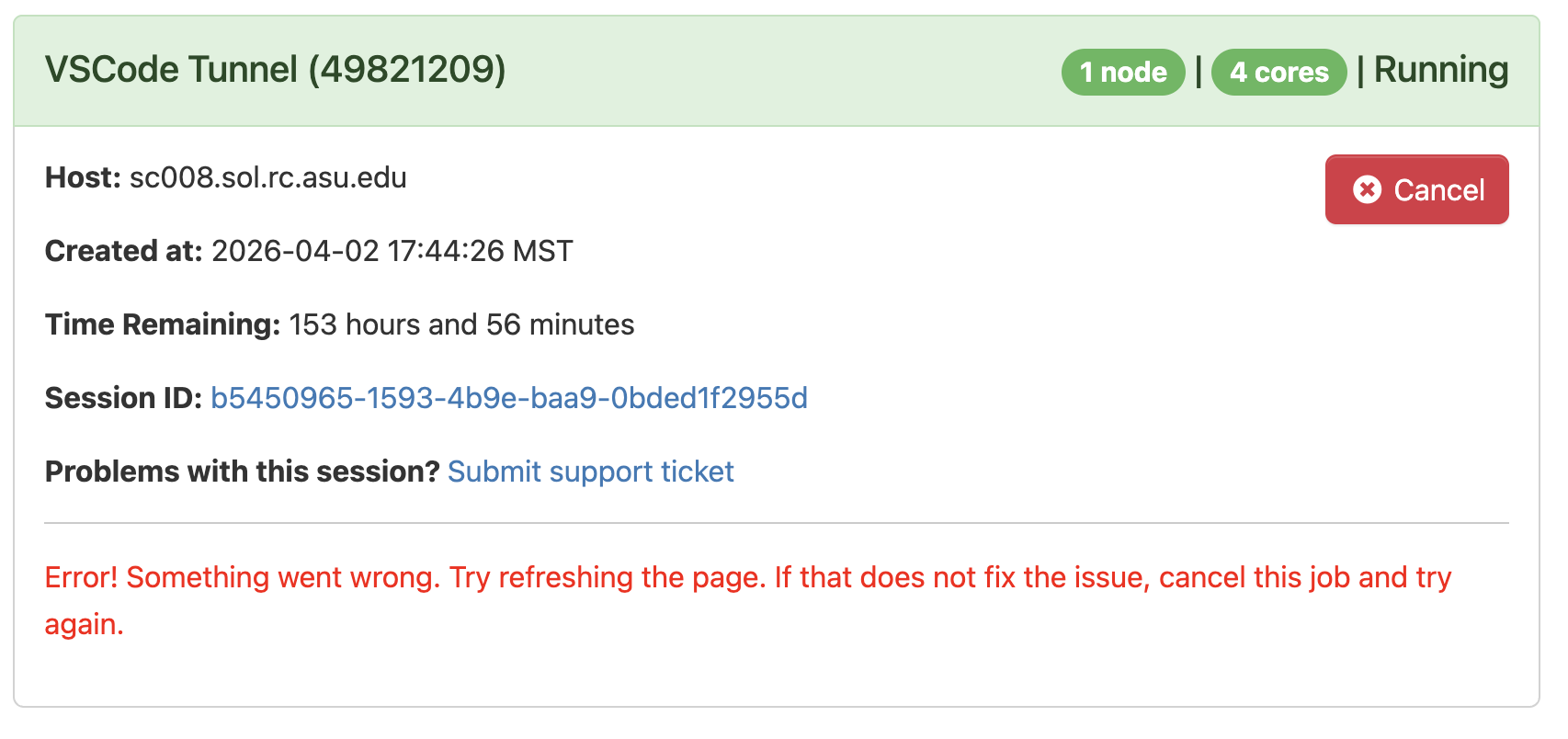
This is often caused by one of two things: either two tunnels are running simultaneously, or a tunnel did not exit cleanly.
By design, VSCode only allows a single tunnel instance to exist at a time and implements a lock file to enforce this. If a tunnel is already running, attempting to start another will fail; similarly, if the tunnel did not exit cleanly, the lock file will still exist and stop a new tunnel from starting.
If we are certain no VSCode tunnels are running, we can remove that lock, returning us to a clean state:
rm -rf ~/.vscode
find ~/.vscode-server/data/ -mindepth 1 -maxdepth 1 -type d ! -name "Machine" -exec rm -rf {} +
Finally, we can start a new job and the tunnel will create properly.
I am getting repeated DUO Auth attempts
When connecting VSCode to the supercomputer, you might find that every action--logging into a terminal, uploading a file, saving a file--all require a password input and DUO authentication.
This occurs if you are connecting directly to the login node via SSH, where the login nodes have DUO auth for required security measures.
You can prevent subsequent password prompts and authentications by creating a VSCode tunnel; this single connection allows VSCode to make any number of commands go without being interrupted by password & authentication.