Creating Accounts for a Class
The ASU SSLVPN is required to connect to the Voyager Account Manager. On-campus networks still require VPN.
Faculty can use the Voyager Account Manager system to create accounts for their classes which need HPC resources.
Using the Voyager Portal
First, request PI status through Voyager. Once you receive confirmation, you can allocate a class through this process.
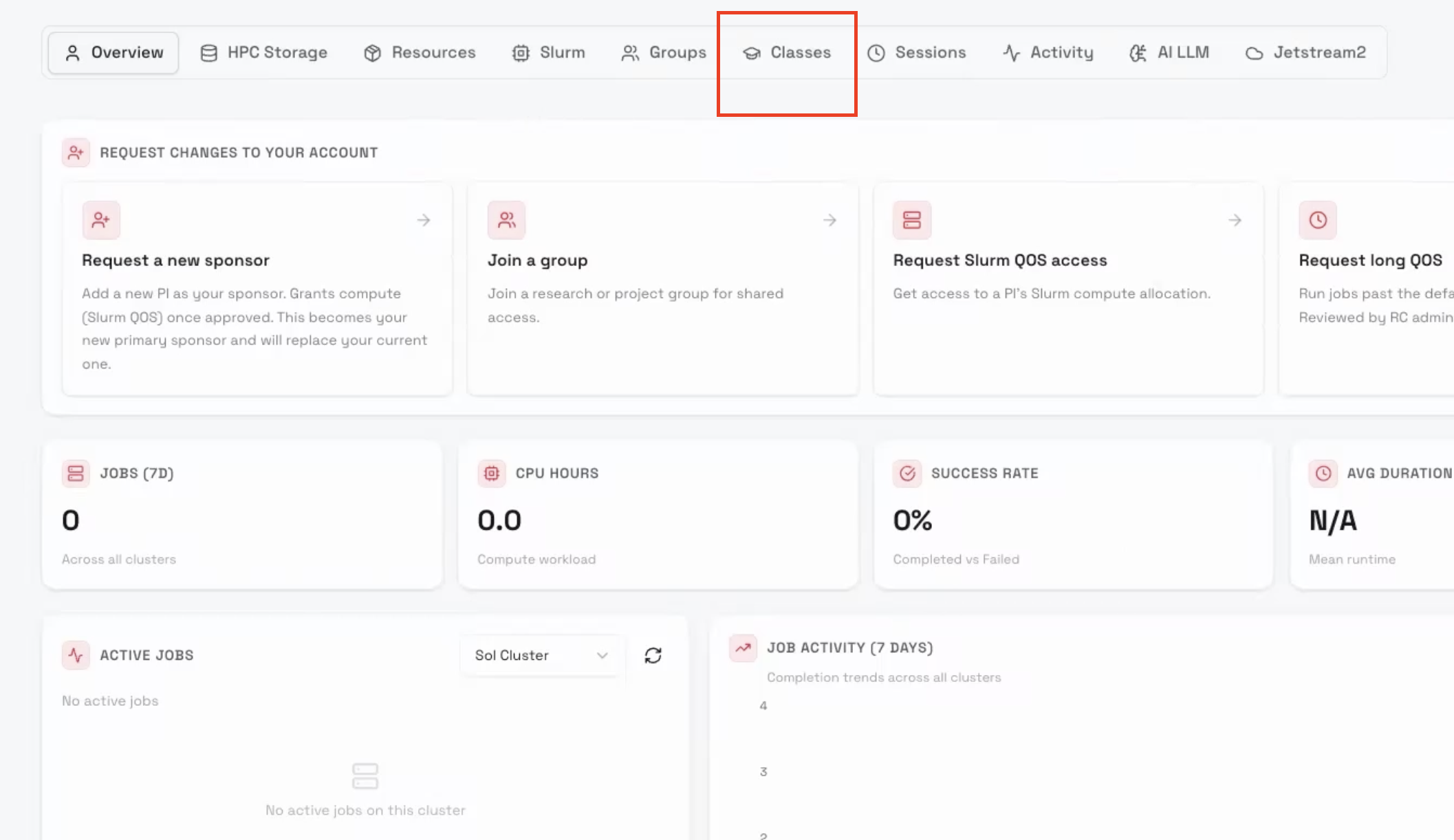
From Voyager, click the Classes tab on the top on the tabbed navigation bar.
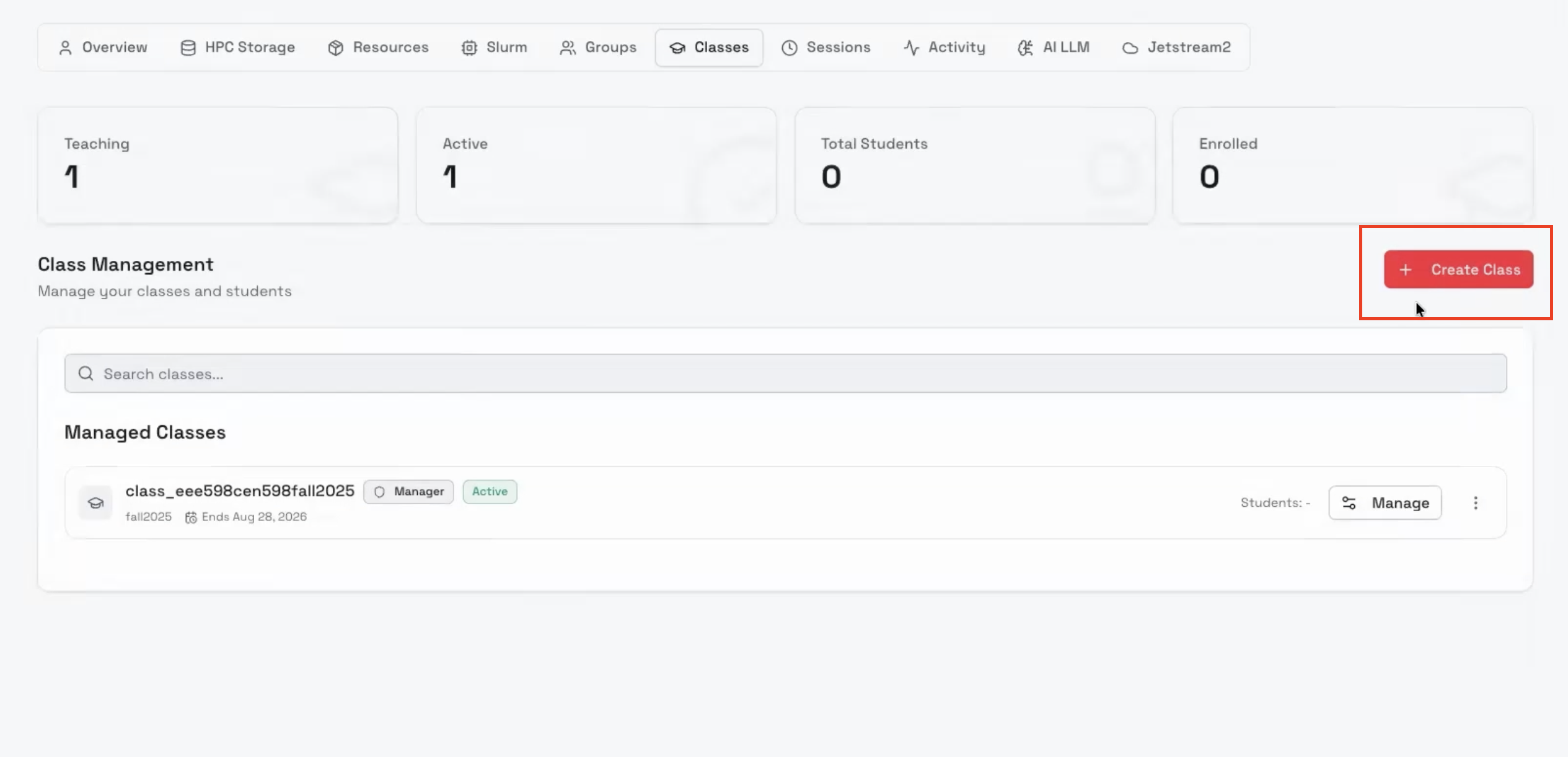
On the right, you will see a red button "Create Class," click it to begin the process.
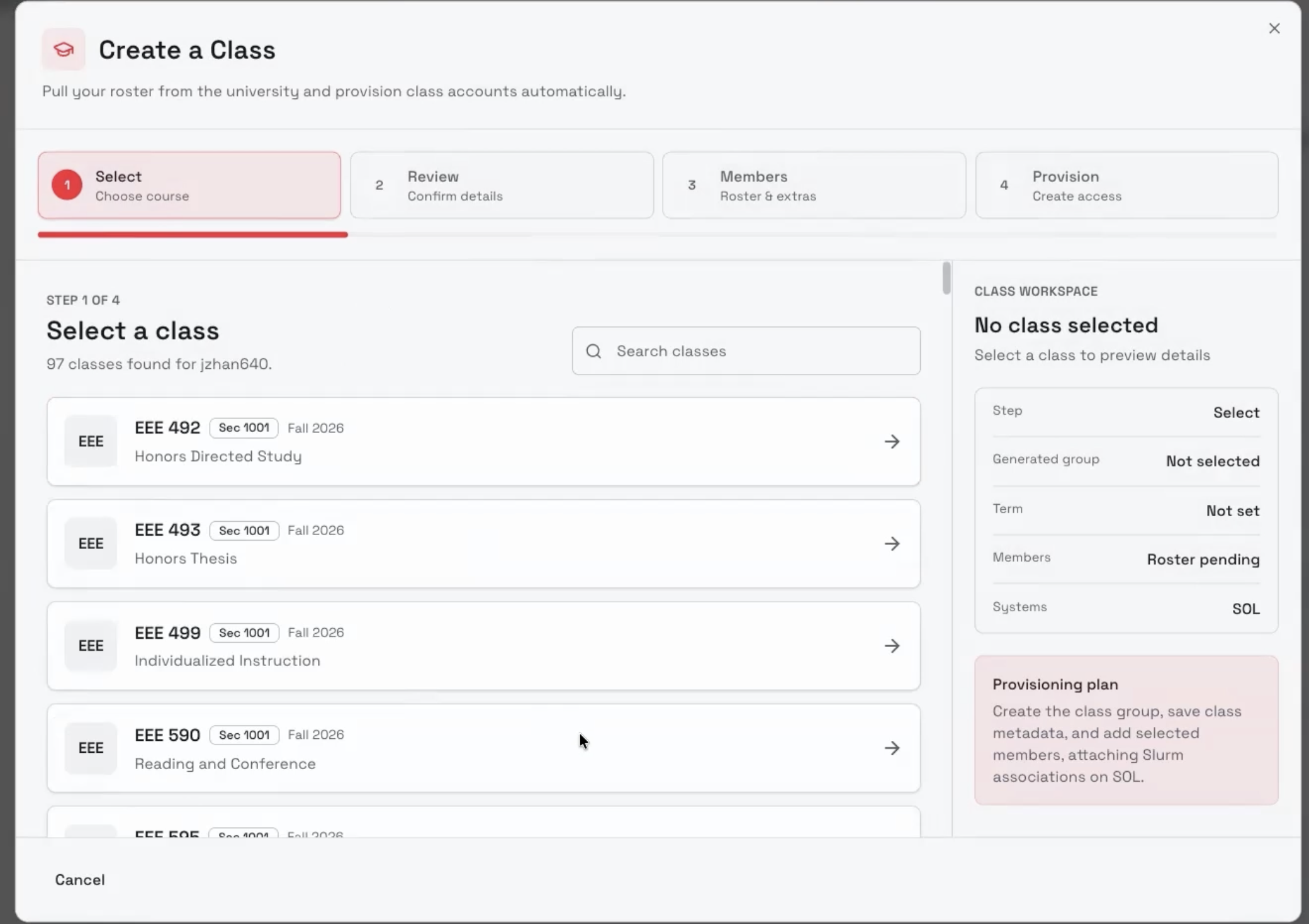
On this page, you will find a list of all classes you teach, detected via your ASURITE. Select the class you want to request an allocation for.
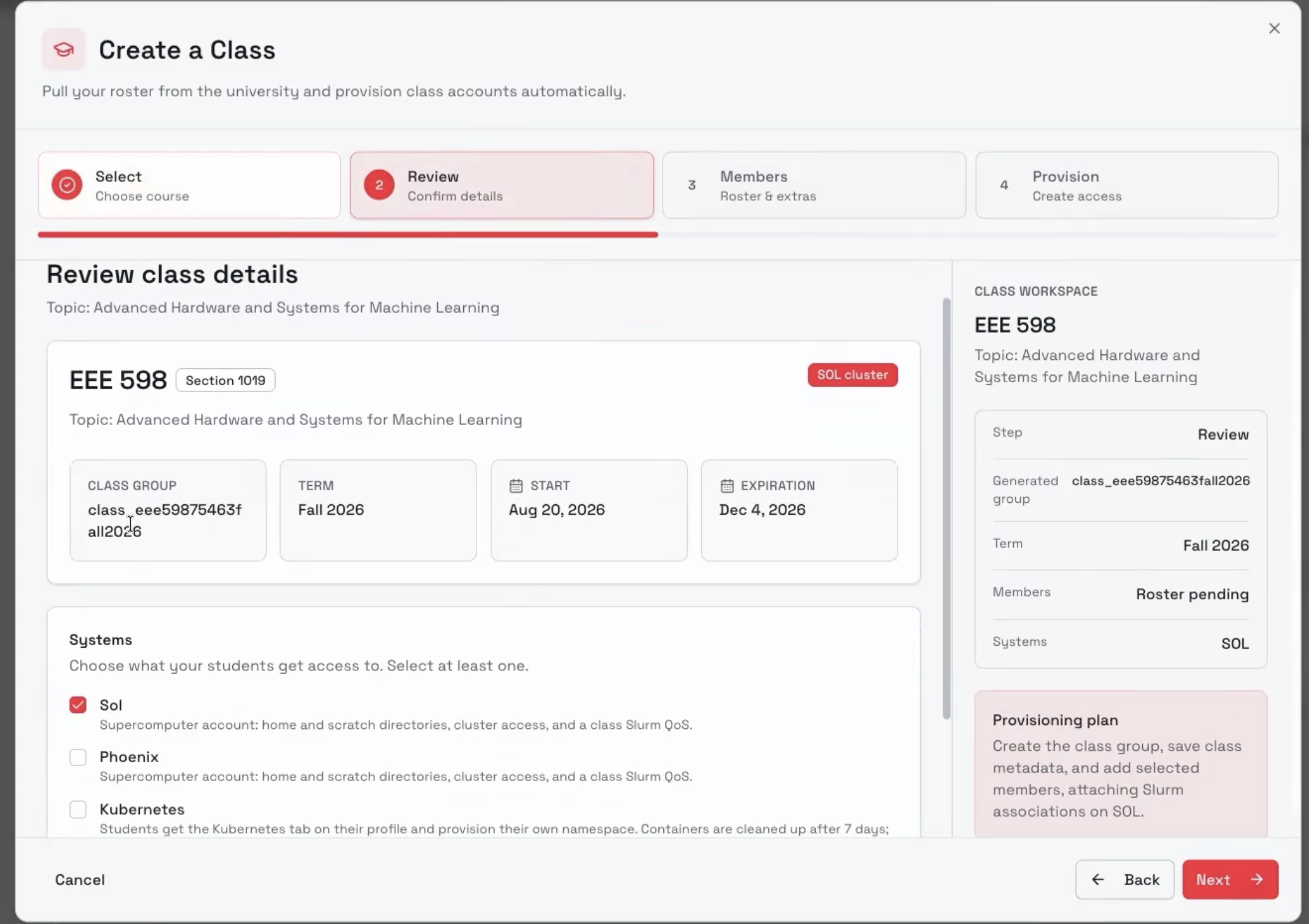
Now, you will be given a list of RC systems you can request. Sol is our flagship supercomputer, with available GPU resources. Phoenix is older, and has a large amount of CPU resources. Kubernetes is how you access the ASU AI Research Acceleration Platform, which is specialized for AI and ML computation. Choose one or more, then click next.
The next step allows you to review your roster, which is automatically pulled from ASU databases. If you need to add additional users, such as TAs, you may enter additional ASURITEs via the text entry box. Once satisfied, click Create Class. Do not leave the page.

Wait until the page reports completion, as seen below. At this point, your class is created, and resources allocated.

Bulk Roster Update
If you have large roster changes, repeat the class creation process with the same class, and the up-to-date roster will be applied to your existing class.
Add One Student at a Time
For smaller updates, you can add users at your own pace through the "Manage" button, available for each class you have under the Classes tab in Voyager.
